Loom pricing explained: what each plan costs and what you get
By Harsh Rawat · · 6 min read
Loom has four plans: a free Starter plan, Business, Business + AI and Enterprise. The paid plans are charged per user, every month, so the price you see on the pricing page is only the start of what a team pays. This guide shows what each plan costs, what the free plan stops you doing, and what a real team pays in a year.
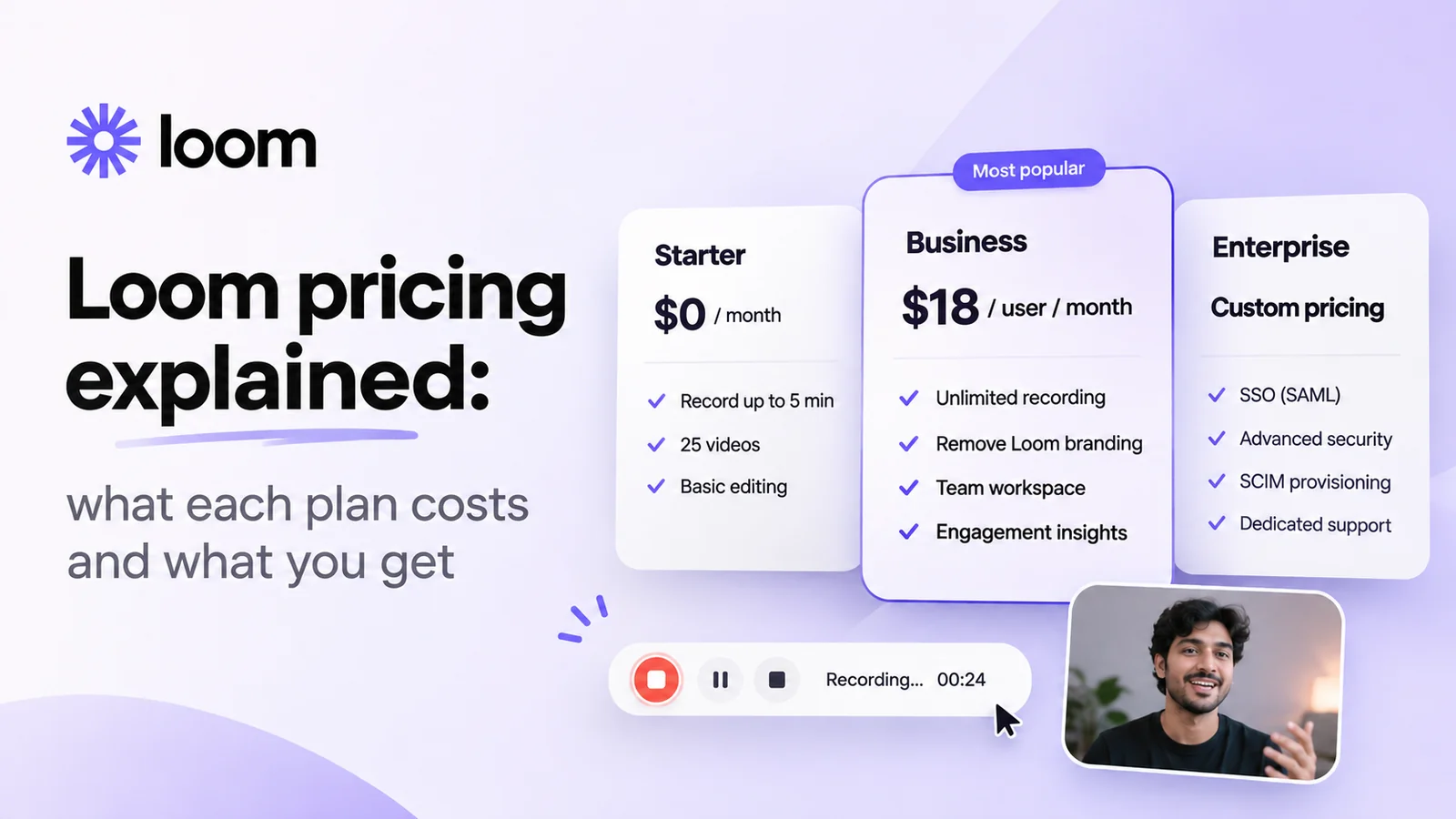
Quick answer: Starter is free, with 25 videos per person and a 5-minute limit on screen recordings. Business costs $18 per user per month and removes those limits. Business + AI costs $24 per user per month and adds Loom’s AI tools. Enterprise is priced by quote. Paying yearly saves up to 17%.
Prices checked on 19 November 2026 on Loom’s pricing page, in US dollars, before tax. Prices change, so check there before you buy.
Loom’s plans at a glance
| Plan | Billed monthly | Billed yearly | Best for |
|---|---|---|---|
| Starter | Free | Free | Trying Loom, or a few short videos a month |
| Business | $18 per user | About $15 per user ($180 a year) | Teams that record often and need longer videos |
| Business + AI | $24 per user | About $20 per user ($240 a year) | Teams that want AI titles, summaries and editing |
| Enterprise | Contact sales | Large companies that need SSO and admin controls | |
Loom’s page says yearly billing saves up to 17% but doesn’t print the yearly amount. The yearly figures above are the ones pricing trackers report, and they match a 17% discount.
What the free Starter plan includes
Starter is a real product, not just a trial, but its limits are tight if you record every day:
- 25 videos per person. Once you reach 25, you delete old videos or upgrade.
- 5 minutes per screen recording. Meeting recordings aren’t limited, but a screen recording stops at 5 minutes.
- Up to 720p video. 4K needs a paid plan.
- Up to 50 members in the workspace, or 10 if your account is linked to Atlassian, according to Loom’s help centre.
Starter does include transcripts, comments and emoji reactions, viewer insights, folders and integrations such as Slack, Jira and GitHub. It doesn’t include password-protected videos, removing Loom’s branding, or any AI features.
When I was freelancing, the free plan was enough to understand Loom but not to use it. Five minutes isn’t long enough to walk a client through a website handover, and 25 videos go quickly when clients want updates every day.
Business vs Business + AI: what the extra $6 buys
Business ($18) removes the Starter limits: unlimited videos, unlimited recording length and 4K. It adds uploading and downloading videos, password-protected videos, your own logo and player colours instead of Loom’s branding, and more detailed engagement insights.
Business + AI ($24) adds Loom AI on top: automatic titles, summaries and chapters, filler-word and silence removal, editing by transcript, and meeting notes. Loom marks it as its most popular plan, and you can try it free for 14 days.
The AI tools are useful if your videos get searched and skimmed later, like training videos or product docs. For quick updates that people watch once, Business is usually enough.
What Loom really costs a team
Because Loom charges per user, the bill grows with every person who records. Here’s what a year costs on Business:
| People recording | Business, billed monthly | Business, billed yearly | Business + AI, billed monthly |
|---|---|---|---|
| 1 | $216 a year | $180 a year | $288 a year |
| 3 | $648 a year | $540 a year | $864 a year |
| 5 | $1,080 a year | $900 a year | $1,440 a year |
| 10 | $2,160 a year | $1,800 a year | $2,880 a year |
My own team of 5 was on Business at monthly billing: $90 a month, or $1,080 a year, just to send screen recordings to clients. That bill is what pushed me to build something else.
How to pay less for Loom
- Pay yearly if you’re sure you’ll keep it. It saves up to 17%, but you commit to every seat for the year.
- Only pay for people who record. People who just watch don’t need a paid seat. Check who on your team actually creates videos.
- Skip the AI plan unless you’ll use the summaries and chapters. It’s $6 more per person, every month.
- Stay on Starter if you record a few short videos a month and can live with 25 videos and 5 minutes.
Cheaper ways to send screen recordings
If per-user pricing is the problem, there are tools that charge differently. Some open-source recorders are free if you host them yourself. Others charge once instead of every month.
That’s why I built Showthrough. It’s a Chrome extension that records your screen, camera and voice and copies the link the moment you stop. There’s no limit on the number of videos or their length, videos are stored in your own Cloudflare account, and it’s a one-time payment instead of a monthly bill per person. It doesn’t have Loom’s AI tools or a desktop app yet, so it suits quick updates more than polished, edited videos.
For a side-by-side look, see Showthrough vs Loom or all the Loom alternatives we compare.
Questions people ask
How much does Loom cost per month?
Loom Business costs $18 per user per month and Business + AI costs $24 per user per month. The Starter plan is free, and Enterprise is priced by quote.
Is Loom free?
Loom's Starter plan is free, but it allows 25 videos per person and 5 minutes per screen recording, at up to 720p. Removing those limits needs a paid plan.
Is Loom cheaper if you pay yearly?
Yes. Loom says yearly billing saves up to 17%, which brings Business to about $15 per user per month, or $180 a year.
How much does Loom cost for a team of 5?
On Business at monthly billing, 5 people pay $90 a month, or $1,080 a year. With yearly billing it's about $900 a year.
What does Loom Business + AI add?
Automatic titles, summaries and chapters, filler-word and silence removal, editing by transcript and meeting notes. It costs $6 more per user per month than Business.
Does Loom have a free trial?
You can try Business + AI free for 14 days, according to Loom's pricing page.