How to download a Loom video (and why the button is missing)
By Harsh Rawat · · 6 min read
Loom lets you download your videos as MP4 files, but only on some plans and roles. That’s why so many people go looking for the Download button and can’t find it. This guide shows the steps, who’s allowed to download, why the button goes missing, and what to do if you want your whole library.
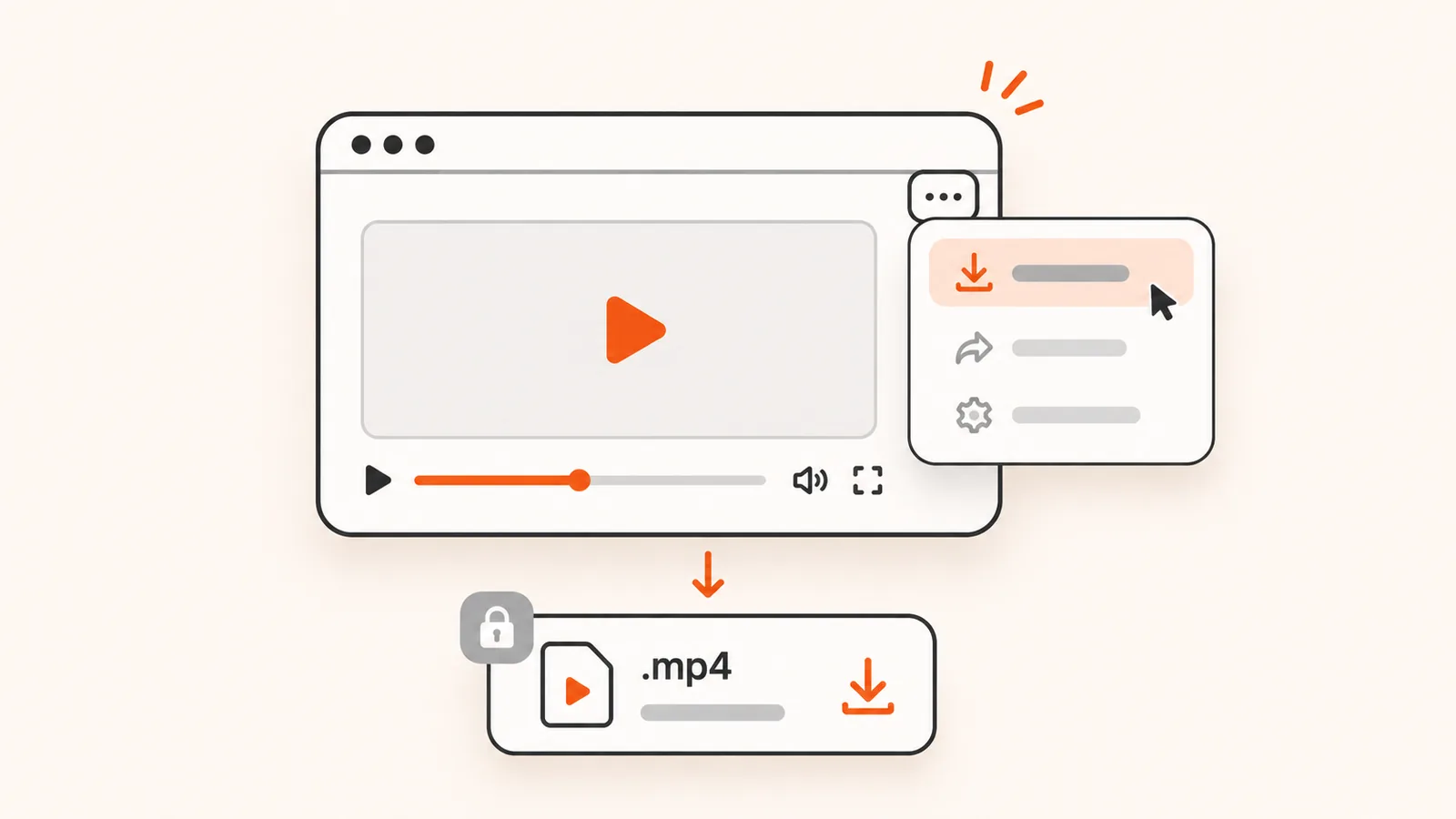
Quick answer: open the video from your Loom Library, open the menu above the video, and choose Download. You get an MP4 file. This works for admins and creators on Business and Business + AI, admins on Education, and admins and members on Enterprise. On the free Starter plan, nobody can download.
Checked on 22 November 2026 against Loom’s help centre.
How to download your own Loom video
- Open your Library at loom.com/my-videos and select the video.
- Open the menu above the video.
- Select Download. The video saves to your computer as an MP4.
If you see a “Polishing pixels” message, the file isn’t ready yet. Long videos can take a while to process; Loom suggests allowing up to 30 minutes before the download is available.
Who can download, by plan
| Plan | Who can download |
|---|---|
| Starter (free) | Nobody, not even the video’s creator |
| Business and Business + AI | Admins and creators |
| Education | Admins only |
| Enterprise | Admins and members (unless an admin turns downloads off for everyone) |
The Creator Lite and Viewer roles can’t download on any plan. If you’re weighing an upgrade just to get your videos out, see Loom pricing explained for what each plan costs.
How to let viewers download your video
If you’re on a paid plan, you can let the people you share with download too:
- For one video: open it, select Settings, turn on Allow downloads, then refresh the page.
- For all your videos: open any video, go to Settings, scroll down to Set defaults…, open the Audience tab, turn on Downloads and save.
There’s a catch: viewers can only download if they’re signed in to Loom with a paid workspace role (creator or admin). A client who just opens your link without a Loom account can’t download, whatever your settings say.
Why the Download button is missing
- You’re on the free plan, or your role is Creator Lite or Viewer.
- The video is still processing. Wait a few minutes, up to 30 for long recordings.
- It uses Variables (personalised versions of one video). These can’t be downloaded.
- It’s a meeting recording and you weren’t the organiser.
- It’s larger than 20 GB, roughly three hours of 4K. Loom’s support team has to help with those.
- Your Enterprise admin has turned downloads off for the organisation.
If the button is there but no file appears, Loom suggests clearing your cache and cookies or trying another browser.
What you lose in the downloaded file
The MP4 keeps any trims you made, but not the extras Loom adds on top: calls to action, filler word and silence removal, chapters and closed captions. If you recorded at an unusual screen shape, the file keeps that shape, so it can look stretched in other players. Loom recommends recording at a 16:9 resolution to avoid this.
Can you download all your Loom videos at once?
Not from Loom itself. Bulk download is still an open feature request, so you download videos one at a time. If you have hundreds, some competitors offer migration tools, such as Tella Transfer and Cap’s Loom importer.
Be careful with third-party “Loom downloader” sites and extensions. Most only work on public videos, and some ask for your Loom password or browser cookies to reach private ones. Never hand those over to a tool you don’t trust; it’s full access to your account.
Why owning your videos matters
When I was freelancing, I paid for Loom, and my library became a record of everything I’d sent clients: changes, fixes, handovers. I never once downloaded a video. I only realised later that all of it lived in Loom’s account, not mine. If I’d wanted to stop paying, I’d first have had to download hundreds of videos one by one, because once you drop to the free plan, nobody can download at all.
That’s one reason I built Showthrough to store videos in your own Cloudflare account instead of ours. Connecting it is one click, and we handle the setup. A plan change can’t lock you out of your own recordings, because they never sat on our servers, and you can download any video as a file whenever you like. It’s a one-time payment, with no free plan. For other options, see the best Loom alternatives.
Questions people ask
Can you download Loom videos on the free plan?
No. On Loom's free Starter plan, admins and creators can't download videos, and viewers on Starter can't download other people's videos either. Downloading needs a paid plan such as Business.
Why is the Download button missing in Loom?
Usually because of your plan or role: Starter, Creator Lite and Viewer roles can't download. It can also be missing if the video uses Variables, is a meeting recording you didn't organise, is larger than 20 GB, or is still being processed after recording.
Can I download a Loom video someone else sent me?
Only if the creator turned on downloads for that video, and you're signed in to Loom with a paid workspace role (creator or admin). Viewers who aren't signed in can't download, whatever the video's settings.
What format are Loom downloads?
MP4. Trims you made are kept, but calls to action, filler word and silence removal, chapters and closed captions are not included in the file.
Can I download all my Loom videos at once?
Not from Loom itself: bulk download is an open feature request. You download videos one at a time from your Library, or use a migration tool from another provider, such as Tella Transfer or Cap's Loom importer.