7 free Loom alternatives, and what each free plan really allows
By Harsh Rawat · · 7 min read
Loom’s free plan stops at 25 videos and 5 minutes per recording (see Is Loom free?). If that’s too tight, there are free screen recorders that go further. Each one has its own catch: a monthly cap, a watermark, or no share link at all. Here are seven worth trying, with the real limits on each free plan.
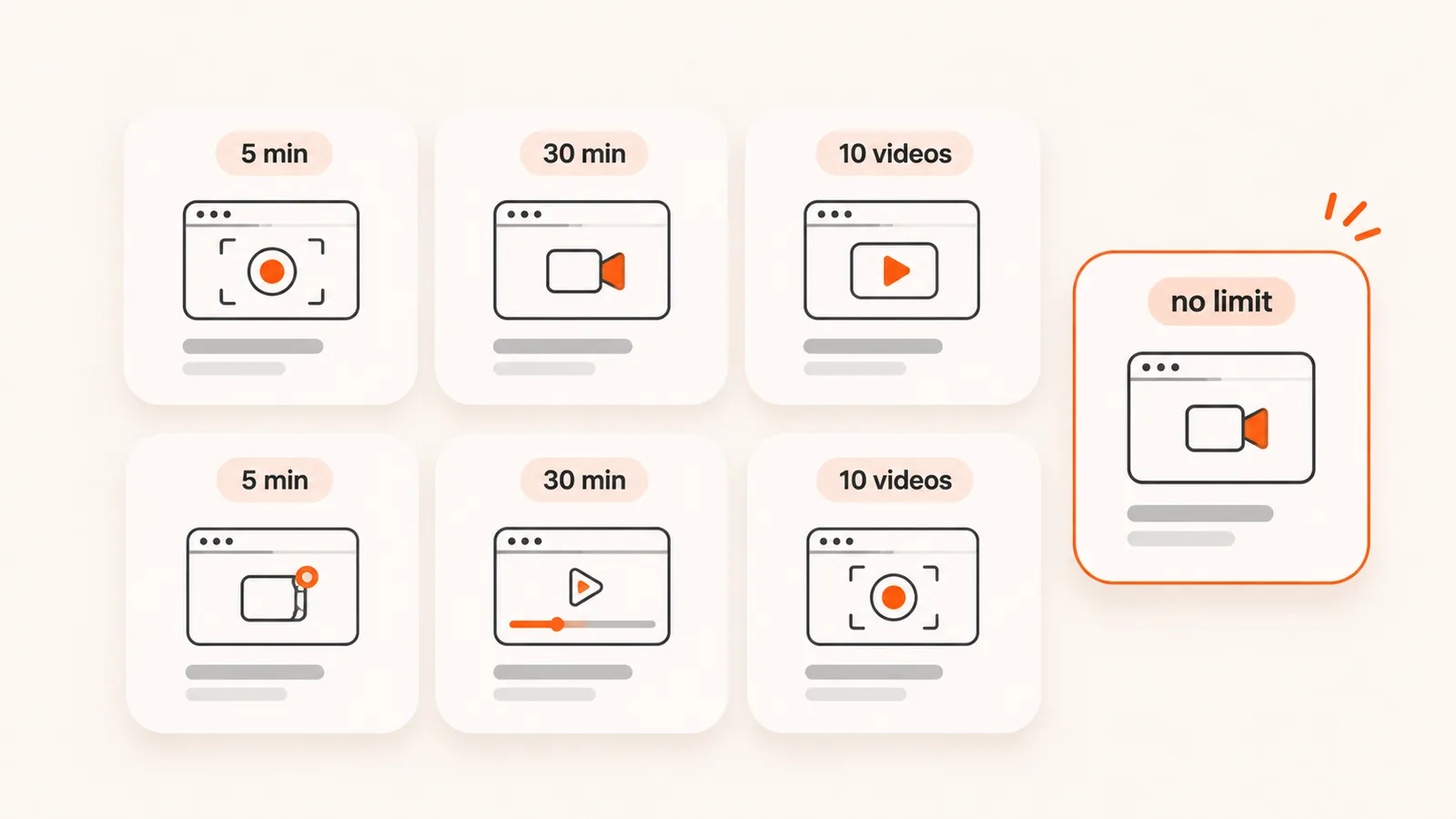
Quick answer: for recording in Chrome with no limits, use Screenity. It’s free and open source, but it saves a file instead of giving you a link. For free share links, use Cap (25 a month, 5 minutes each). For long, high-quality recordings on a desktop, use OBS Studio.
Free plans checked on 22 November 2026 on each tool’s own website. Free plans change often, so check before you rely on one.
The free plans at a glance
| Tool | Free plan limit | Share link | Best for |
|---|---|---|---|
| Screenity | No video or time limit | No, saves a file | Recording in Chrome without limits |
| OBS Studio | No limits | No, saves a file | Long, high-quality desktop recordings |
| Cap | 25 share links a month, 5 minutes each | Yes | Developers who want open source |
| Vidyard | 5 videos a month, 30 minutes each | Yes | Sales outreach videos |
| Screencastify | 10 videos, 30 minutes each, watermark | Yes | Teachers and classrooms |
| ScreenPal | 15 minutes per recording | Yes | Tutorials with light editing |
| Zight | 5 minutes per recording, 720p, 1 GB storage | Yes | Quick screenshots, GIFs and clips |
1. Screenity: free and unlimited in Chrome
Screenity is a Chrome extension that records your screen, a tab or your camera. The recorder is free and open source, with no watermark and no time limit, and you don’t need an account. You can draw on the screen, blur parts of it and highlight clicks while you record.
The catch: your video is saved to your computer, so to send it you have to upload it somewhere yourself. The editor, with zooms and captions, is a paid upgrade.
2. OBS Studio: free, powerful, and harder to learn
OBS Studio is a free, open-source app for Windows, Mac and Linux. It has no limits on the number or length of recordings, and it’s the tool most streamers and YouTubers use. You can mix your screen, camera and several microphones into one video.
The catch: setting up scenes and sources takes time, and it has no editor or share links. It’s overkill for a two-minute update to a client.
3. Cap: open source, with free share links
Cap is the closest open-source match to Loom: record on Mac, Windows or Linux and get a link to share. The free plan is for personal use and gives you 25 share links a month, each up to 5 minutes. You can also host Cap yourself.
The catch: 5 minutes per shared video is the same limit as Loom’s free plan. For a full comparison, see Showthrough vs Cap.
4. Vidyard: 30-minute videos, 5 a month
Vidyard is built for sales teams. Its free plan lets you record up to 30 minutes per video, which is six times longer than Loom’s free plan.
The catch: you get 5 videos a month, and most of the extras, such as captions, custom thumbnails and the analytics dashboard, are on paid plans. See Showthrough vs Vidyard.
5. Screencastify: made for classrooms
Screencastify is a Chrome recorder popular with teachers. The free plan lets you create or upload 10 videos of up to 30 minutes each, and you can keep and share them for as long as you like. Inviting colleagues adds 5 bonus videos for each one, up to 20 in total.
The catch: free videos carry a Castify watermark, which looks odd in front of a client. See Showthrough vs Screencastify.
6. ScreenPal: 15-minute recordings with an editor
ScreenPal, formerly Screencast-O-Matic, lets you record up to 15 minutes at a time on the free plan. It includes a basic editor for cutting, cropping, adding text and recording a voiceover.
The catch: the free plan doesn’t record system audio, so sound playing on your computer won’t be captured. Its pricing page is also unclear about how many videos free users can host. See Showthrough vs ScreenPal.
7. Zight: screenshots, GIFs and short videos
Zight, formerly CloudApp, puts screenshots, GIFs and screen recordings in one app. The free plan allows 5-minute recordings at up to 720p, with 1 GB of storage in total and access to your last 50 captures.
The catch: 5 minutes and 1 GB fill up fast if you record every day. See Showthrough vs Zight.
Your computer may already have a free recorder
Windows 11 (Windows + Shift + R), Mac (Shift + Command + 5) and every Chromebook come with a screen recorder. They’re free and have no time limit, but like Screenity and OBS they give you a file, not a link. The steps are in how to screen record on a Chromebook, Windows or Mac.
Which one should you pick?
- Short updates to clients, a few a month: Cap, or stay on Loom’s free plan.
- Long walkthroughs or handovers: Vidyard or Screencastify (30 minutes), or Screenity if you don’t need a link.
- Tutorials you want to edit: ScreenPal or OBS Studio.
- Screenshots and quick GIFs as well as video: Zight.
When I started freelancing, I sent client updates mostly as text messages, Google Docs or Google Meet calls. Writing out something that was easier to show took a long time, and booking a call for a two-minute update wasted everyone’s time. Loom fixed that, but its free plan ran out quickly: clients wanted small updates every day, so the 25-video and 5-minute limits came up within a week or two. That’s the trade-off with every tool on this list. The ones with no limits give you a file to upload yourself, and the ones that give you a link cap how much you can record.
If you’d rather pay once than work around limits
That’s why I built Showthrough. It isn’t free, so it’s not on the list above. It’s a one-time payment instead of a monthly fee. You get a share link the moment you stop recording, there’s no limit on the number or length of videos, and your videos are stored in your own Cloudflare account. Connecting Cloudflare is one click, and we handle the setup. For more options, see all the Loom alternatives we compare.
Questions people ask
What is the best free Loom alternative?
It depends on what you need. Screenity is the closest free option inside Chrome, with no video or time limit, but it saves files to your computer instead of giving you a link. Cap gives you share links for free, up to 25 a month and 5 minutes each. OBS Studio is best for long, high-quality recordings if you don't mind a learning curve.
Is there a free Loom alternative with no time limit?
Yes. Screenity's free recorder and OBS Studio both have no time limit. Both save the video as a file, so you share it yourself. Among tools that host your video, Vidyard and Screencastify allow 30 minutes per recording on their free plans.
Which free Loom alternatives have no watermark?
Screenity's free recorder and OBS Studio add no watermark. Screencastify's free plan adds a Castify watermark to your videos.
Is Screenity really free?
The recorder is. Screenity's recorder is free and open source under GPLv3, with no watermark and no time limit, and it records locally. Its editor is a paid upgrade with a 7-day free trial.
Can I self-host a Loom alternative for free?
Yes. Cap and Screenity are both open source, so you can run them yourself. You still pay for the server and storage you host them on, and you look after updates.