Loom Chrome extension: what it does, its limits, and alternatives
By Harsh Rawat · · 6 min read
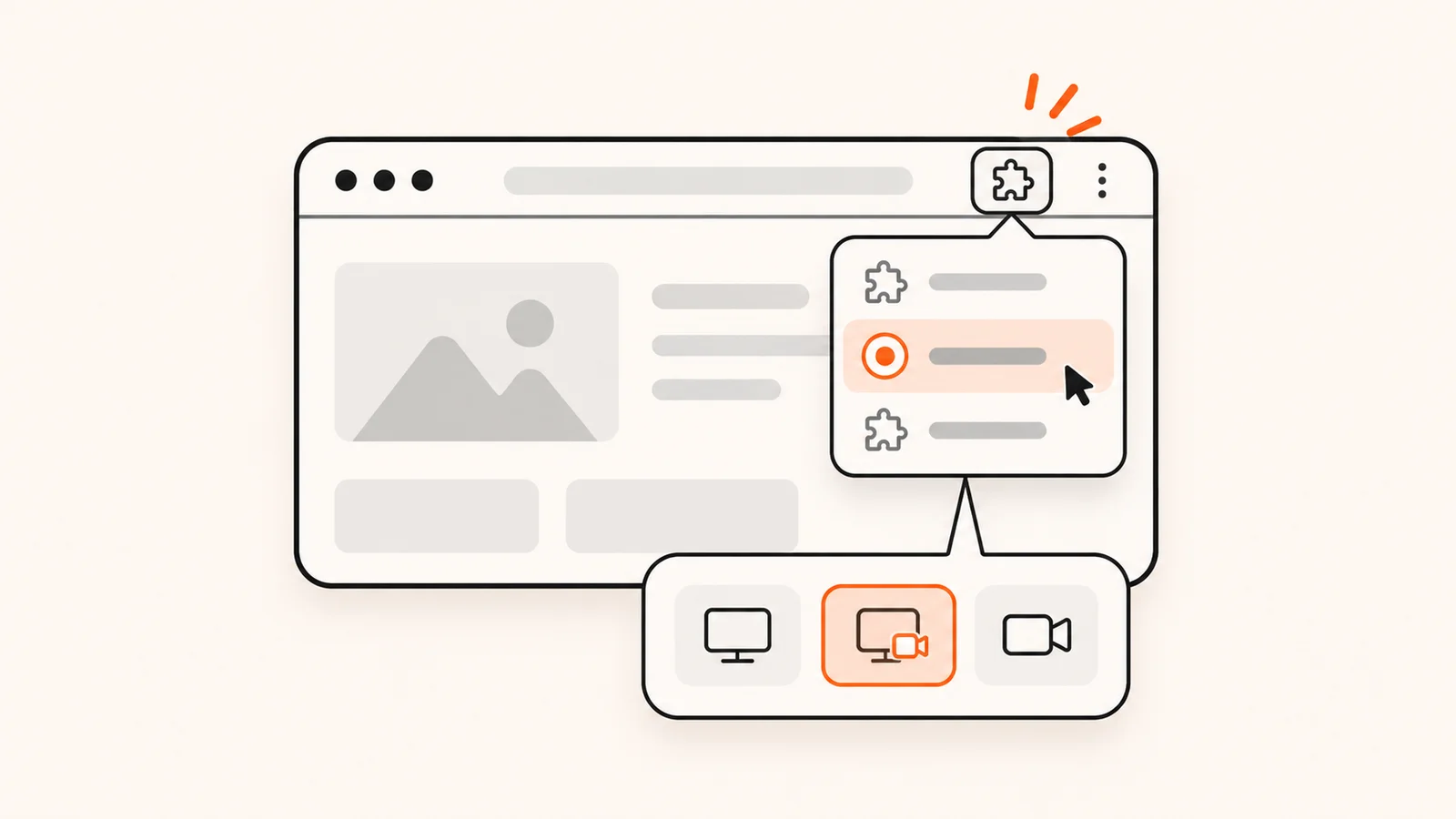
The Loom Chrome extension is the quickest way to start using Loom: install it, click the icon, and record your screen and camera from the browser. When you stop, you get a link to send. It’s free to install, but the free plan has firm limits, and some features only exist in Loom’s desktop app. Here’s what you get, what you don’t, and what to use if the limits get in your way.
Quick answer: the Loom Chrome extension is free and records your screen, a tab, a window or your camera. On the free Starter plan you get 25 videos per person, 5 minutes per recording, and up to 720p. Paid plans start at $18 per user per month. For 4K, drawing or speaker notes you need the desktop app.
Checked on 24 November 2026 against Loom’s own help pages.
What the Loom Chrome extension does
- Records your full screen, one window or one Chrome tab, with or without your camera.
- Records your camera on its own, for a quick talking-head message.
- Records your voice through your microphone.
- Uploads as you record, then gives you a link to share.
- Lets viewers comment and react on the video page.
How to install and use it
- Open the Chrome Web Store, search for Loom, and select Add to Chrome.
- Pin the extension from the puzzle-piece icon next to the address bar, then sign in or create a free account.
- Click the Loom icon and choose what to record: Screen and Camera, Screen only or Camera only.
- Pick your microphone and camera, then select Start recording and choose a tab, window or your entire screen.
- Stop from the Loom controls. The video opens in Loom, ready to share with a link.
Its limits on the free plan
| Limit | Free Starter plan | Paid plans |
|---|---|---|
| Videos you can keep | 25 per person | Unlimited |
| Length per screen recording | 5 minutes | Unlimited |
| Quality in the extension | Up to 720p | Up to 1080p |
| Price | $0 | From $18 per user per month |
Loom’s help centre also says camera-only recordings in the extension stay at 720p on every plan. For the full breakdown, see Is Loom free? and Loom pricing explained.
Chrome extension vs desktop app
Loom describes the extension as its basic option. The desktop app, for Mac and Windows, adds the extras:
| Feature | Chrome extension | Desktop app |
|---|---|---|
| Install | Seconds, from the Chrome Web Store | Download and install |
| Best quality | 1080p on paid plans | Up to 4K on paid plans |
| Drawing on screen | No | Yes |
| Speaker notes | No | Yes |
| Works on a Chromebook | Yes | No |
If you only record quick updates in Chrome, the extension is enough. If you want polished demos, Loom itself points you to the desktop app.
Alternatives to the Loom Chrome extension
The usual reasons to look elsewhere are the 25-video cap, the 5-minute limit, or paying $18 for every person on the team, every month.
- Showthrough is a Chrome extension that works the same way: record your screen, a tab or a window with your camera, and a link is copied the moment you stop. There’s no limit on videos or length, and you pay once instead of every month (see pricing). The catch: there’s no free plan, and no AI summaries or editor yet. We make it.
- Screenity is free and open source with no time limit, but it saves a file you have to upload and share yourself.
- Screencastify has a free plan with 10 videos of up to 30 minutes each, with a watermark. It’s popular in schools.
- Vidyard has a free plan with 5 videos a month and is built for sales teams.
For the full comparison, including desktop apps, see the best Loom alternatives.
Questions people ask
Is the Loom Chrome extension free?
Yes, the extension is free to install. On Loom's free Starter plan you can keep up to 25 videos per person, each screen recording stops at 5 minutes, and quality goes up to 720p. Paid plans remove those limits.
What quality does the Loom Chrome extension record in?
Up to 720p on the free Starter plan and up to 1080p on paid plans. Camera-only recordings stay at 720p. For 4K you need Loom's desktop app on a paid plan.
What's the difference between the Loom Chrome extension and the desktop app?
The extension installs in seconds and records your screen, a tab or a window from Chrome. The desktop app adds HD recording up to 4K, drawing on screen, speaker notes and more camera options. Loom suggests installing both.
Does the Loom Chrome extension work on a Chromebook?
Yes. Loom's desktop app doesn't run on ChromeOS, so the Chrome extension is the way to use Loom on a Chromebook.
What's a good alternative to the Loom Chrome extension?
Showthrough is a Chrome extension that also gives you a link the moment you stop, with no limit on videos or length, for a one-time payment. Screenity is free and open source but saves a file. Screencastify and Vidyard have free plans with limits.