Setup guide · Step 6 of 8
Setup guide/Step 6 of 8
Connect the extension
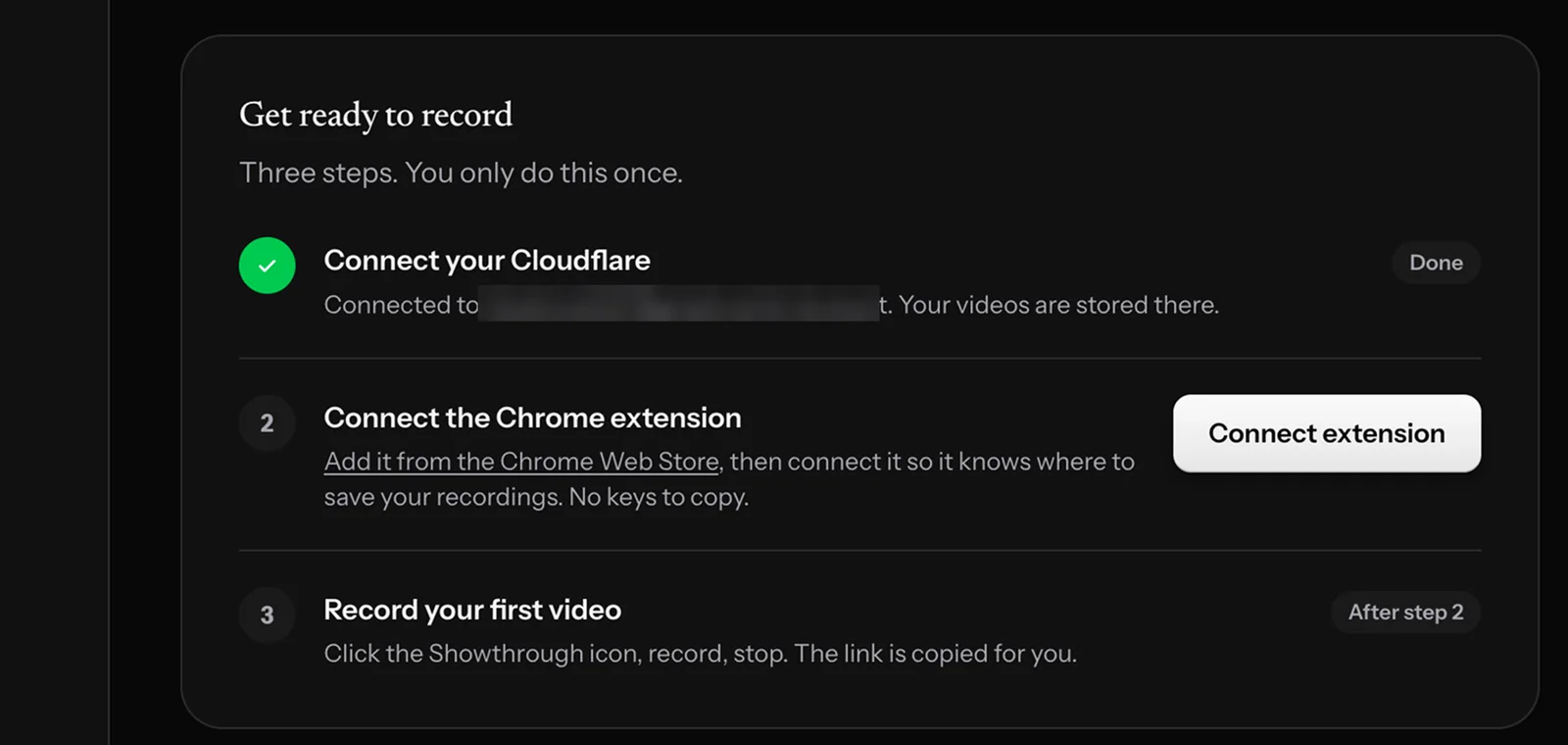
This tells the extension where to save your videos. No keys to copy.
- In your library, click Connect extension.
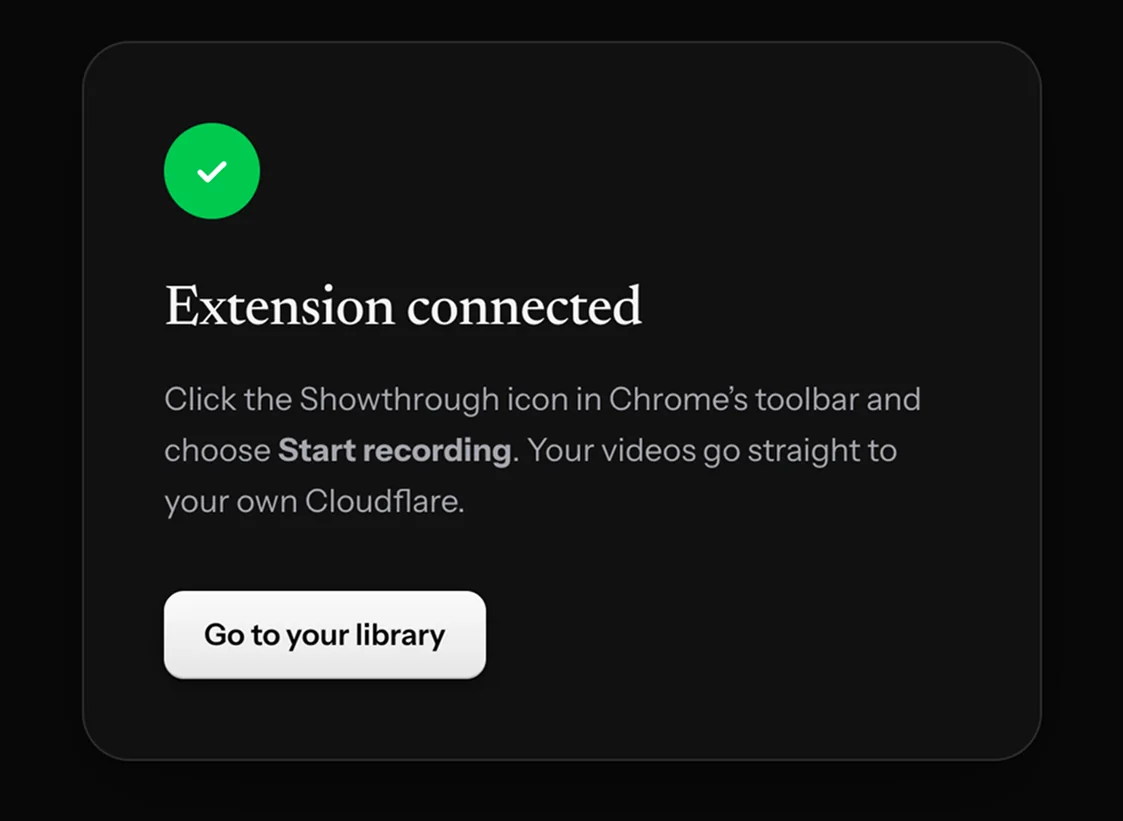
- You’ll see Extension connected.
Setup guide/Step 6 of 8
This tells the extension where to save your videos. No keys to copy.