Setup guide · Step 7 of 8
Setup guide/Step 7 of 8
Record your first video
You’re all set. Let’s record.
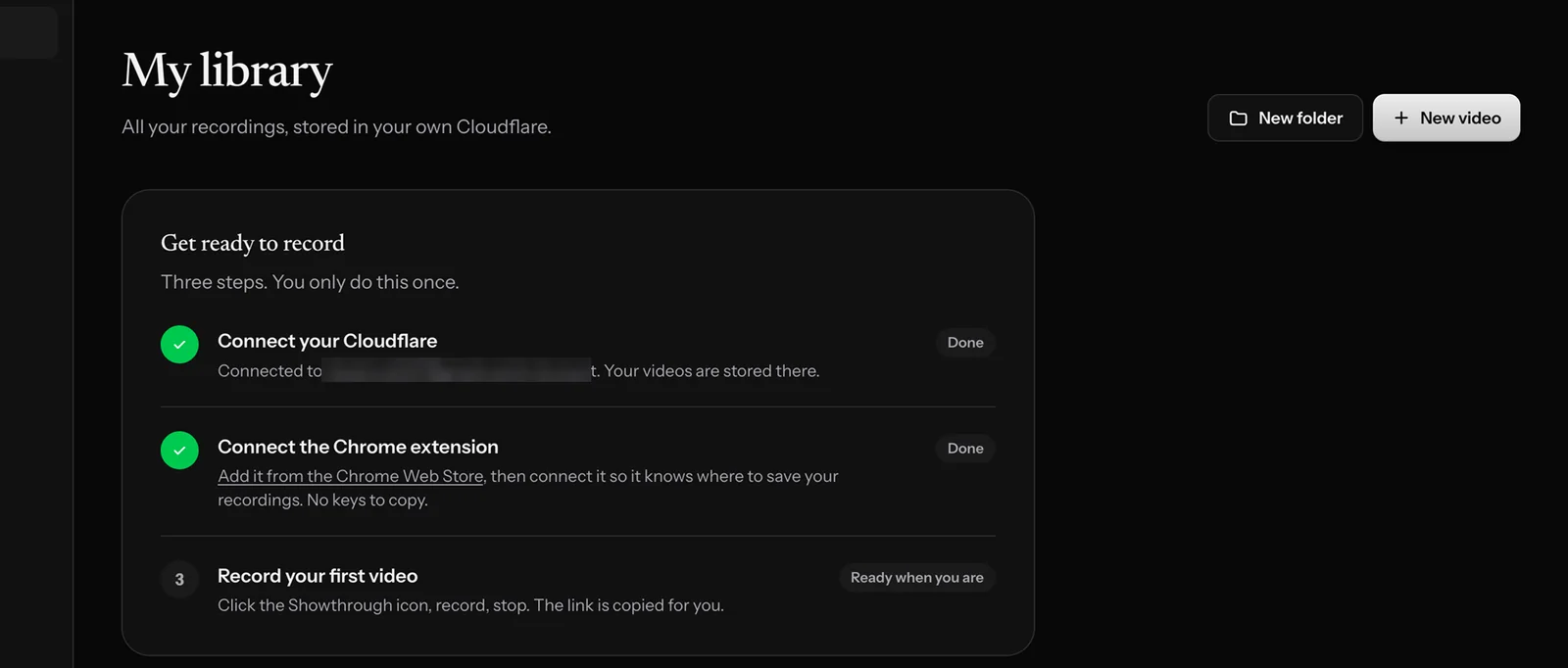
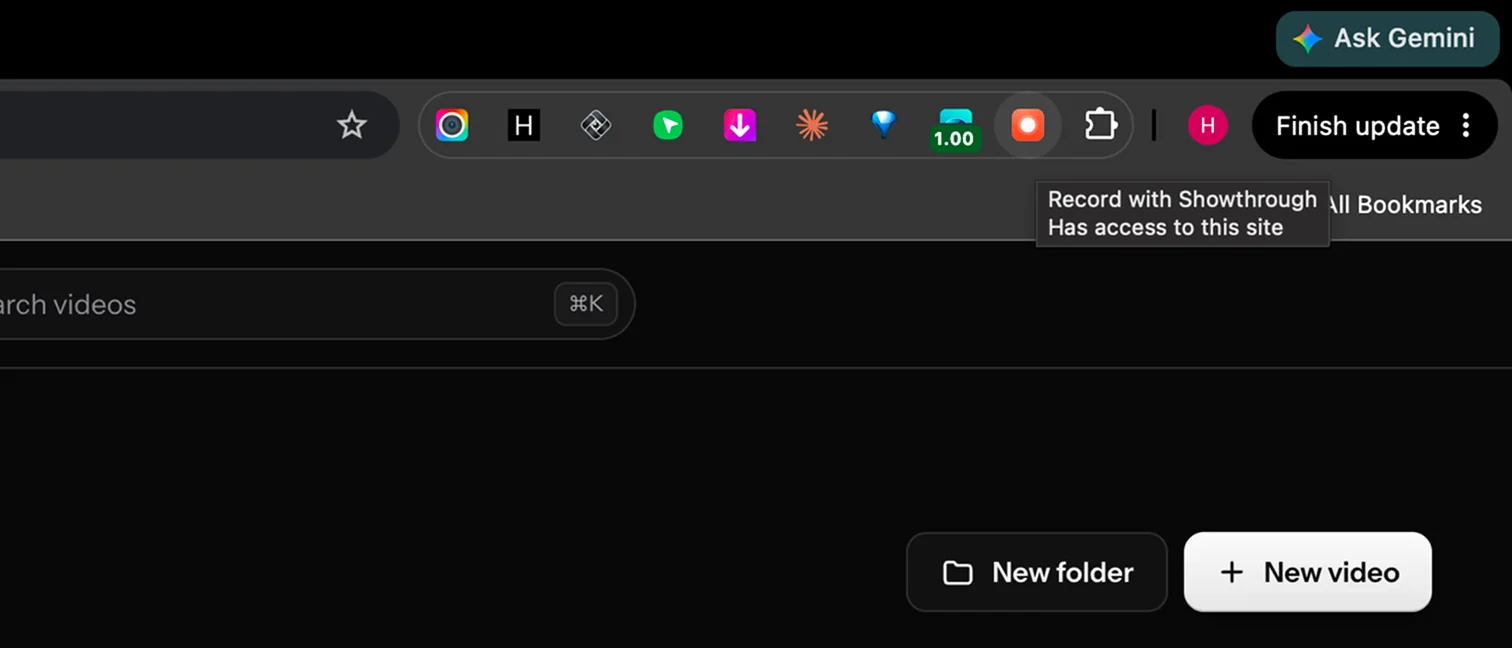
- Click New video in your library, or the Showthrough icon in Chrome’s toolbar.
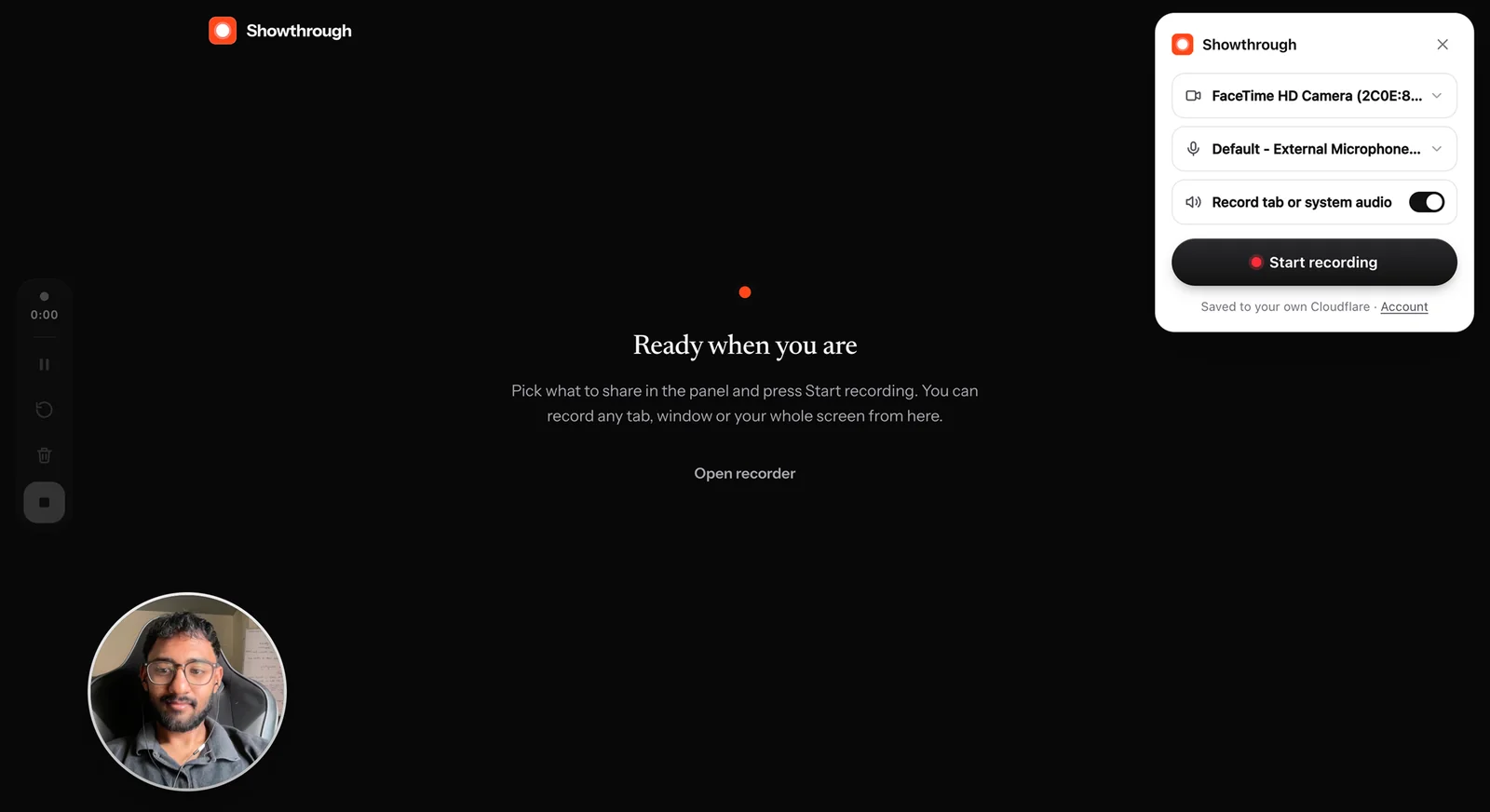
- Pick your camera and mic, then Start recording.
- Press stop when you’re done. The link is copied for you.